What is an LTO tape storage library?
A cabinet that holds many LTO cartridges in slots, one or more drives and a robot that moves cartridges between them, so backups and restores run without anyone changing tapes. Small ones are called autoloaders.
Library guide
An LTO autoloader holds one drive and about 8 to 16 cartridges, while a library holds one or more drives and 25 or more slots per module; move to one when a backup spans several cartridges or nobody is there to change tapes.
When you need one
A single drive is enough while each backup fits on one cartridge and someone changes tapes. Once a job spans several cartridges, runs overnight, or you rotate tapes offsite every week, an automated changer pays for itself in staff time and missed backups.
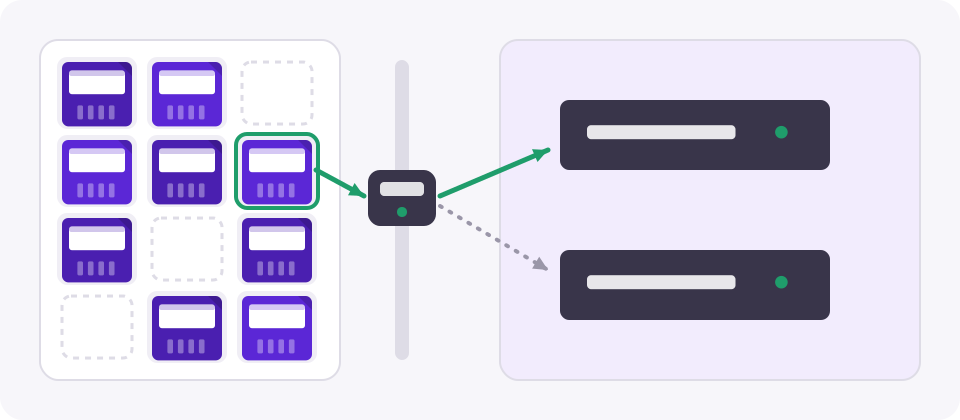
Any of these is an LTO tape storage library: the cartridges stay in their slots, offline and powered down, until the robot loads one. How a library fits into a complete tape storage system is in LTO storage explained.
Models
| Model | Type | Slots (base unit) | Notes |
|---|---|---|---|
| HPE StoreEver 1/8 G2 | Autoloader | 8 | 1U, one drive |
| Dell PowerVault TL1000 / IBM TS2900 | Autoloader | 9 | 1U, one half-height drive |
| Quantum SuperLoader 3 | Autoloader | 16 | 2U, two 8-slot magazines |
| Quantum Scalar i3 | Library | 25 | 3U modules, scales up |
| IBM TS4300 / Dell PowerVault ML3 | Library | 40 | 3U modules, scales up |
| HPE StoreEver MSL3040 | Library | 40 | 3U modules, scales up |
| Qualstar Q-Series, Spectra Stack | Library | Varies | Modular, LTO-9 and LTO-10 drives |
Slot counts are for the base unit with its standard configuration; check the data sheet for the drive generations each model supports. Library drives are sold as modules for that library.
What to check
Capacity
Multiply slots by native capacity: a 40-slot library holds 720 TB on LTO-9 or 1.2 PB on 30 TB LTO-10 cartridges, before compression. Keep a few slots for cleaning cartridges and for tapes waiting to go offsite. Cartridge prices are in the LTO price tracker.
More guides
Pricebook
Request current LTO media and drive pricing before you budget a migration or a refresh.
A cabinet that holds many LTO cartridges in slots, one or more drives and a robot that moves cartridges between them, so backups and restores run without anyone changing tapes. Small ones are called autoloaders.
An autoloader has one drive and a single magazine of about 8 to 16 slots. A library has one or more drives, more slots, and can usually be expanded with extra modules.
Base modules typically hold 25 to 50 cartridges, which is 450 to 900 TB on LTO-9, and most can be expanded by stacking modules.
Yes. The library identifies each cartridge by its barcode label, so every data and cleaning cartridge needs one in the format the library expects.
Usually yes, with drives of each generation, as long as the library and your backup software support both. Each drive still only reads its supported generations.